



Dark mode has become a default choice for millions of screen users who want to protect their eyes. But does switching your interface to a dark background actually reduce blue light, or is it more of a visual preference? The answer matters if you're making decisions about your eye health based on your device settings.
The short answer is: dark mode helps a little, but less than most people think. Understanding what it actually does, and doesn't do, helps you make smarter choices about how to protect your vision throughout the day.
In this article:
Does Dark Mode Reduce Blue Light? The Direct Answer
Dark mode does marginally reduce overall blue light exposure, but not in the way most people assume. When you switch to a dark background, fewer pixels are lit up at full brightness, which lowers total screen luminance and, as a result, reduces the overall amount of light, including some blue light, reaching your eyes.
However, dark mode does not specifically target or block high-energy visible (HEV) blue light wavelengths. The pixels that remain active, including text, icons, and interface elements, still emit the same spectrum of blue light they always did.
The display's backlight on LCD screens, or the active pixels on OLED screens, continue to produce blue wavelengths regardless of whether the background is white or black.
The American Academy of Ophthalmology acknowledges that dark mode may reduce blue light exposure compared to light mode, but notes that the benefits depend heavily on adjusting brightness and color temperature alongside it. Switching to dark mode alone, without adjusting other settings, delivers only a partial reduction in visual load.

Is Dark Mode Better for Your Eyes?
Whether dark mode is better for your eyes depends significantly on the environment you're in. In low-light or dark rooms, dark mode can reduce the brightness contrast between your screen and the surrounding space, which makes the viewing experience more comfortable and reduces the visual effort your eyes need to adapt between the two.
In a well-lit office or bright environment, the picture changes. Dark mode lowers screen luminance, which can make text harder to read against a dark background, particularly for people who are short-sighted or have astigmatism. In those cases, dark mode can actually increase visual fatigue rather than reduce it.
The AAO is direct on this point: digital eye strain is less about the type of light screens emit and more about how we use them, specifically reduced blinking, prolonged close-range focus, and inconsistent screen brightness relative to ambient light.
Dark mode addresses none of these underlying contributors directly. For a closer look at how screen-related tension builds into physical discomfort, read our article on whether blue light glasses help with headaches.
Dark Mode vs. Night Mode: What Is the Difference?
Dark mode and night mode are often used interchangeably, but they work in fundamentally different ways. Dark mode is a visual interface setting: it changes the color scheme of your apps and operating system from light backgrounds to dark ones. It's a design preference that affects how content is displayed.
Dark mode and night mode are often used interchangeably, but they work in fundamentally different ways. Dark mode is a visual interface setting: it changes the color scheme of your apps and operating system from light backgrounds to dark ones. It's a design preference that affects how content is displayed.
Night mode, also called Night Shift on Apple devices or Night Light on Windows and Android, is a color temperature adjustment. Rather than changing the interface design, it adds a warm amber filter across the entire screen, shifting the display's output away from cooler blue wavelengths toward warmer red and orange tones. This directly targets blue light emission in a way that dark mode does not.
In practice, night mode is the more targeted tool for reducing blue light before bed. Using both together, dark mode for interface comfort and night mode for wavelength adjustment, gives you more coverage than either setting alone. But as covered below, neither replaces physical lens filtration.
One important caveat: night mode's warm amber tint distorts color accuracy significantly. That makes it suitable for casual evening browsing but impractical during the workday when accurate color rendering matters for design, photo editing, or document work.
Dark Mode vs. Blue Light Filter: Software Fixes vs. Physical Lenses
Software adjustments like dark mode and night mode can take you part of the way toward reducing visual fatigue, but they have hard limits. Here's how they compare to physical blue light filtering lenses:
-
Dark mode: reduces overall screen brightness by turning background pixels off or dark. Does not filter specific blue light wavelengths. Comfort benefits are context-dependent and not consistent across lighting conditions.
-
Night mode / Night Shift / Night Light: applies a warm color temperature filter that shifts the display away from blue wavelengths. More targeted than dark mode for blue light reduction, but alters color accuracy and is typically only recommended for evening use.
-
Blue light filtering lenses: physically filter high-energy visible (HEV) blue light wavelengths at the lens level, before light reaches your retina. Work regardless of screen settings, lighting conditions, or the type of display you're using. Effective during daytime use when night mode is inappropriate and dark mode alone is insufficient.
The key limitation of software fixes is that they work at the display level and can only adjust what the screen outputs. Physical lenses intercept blue light from all sources, not just your screen, including overhead lighting and environmental light that software cannot address.
For a full breakdown of how optical coatings work at the wavelength level, read our article on what blue light glasses actually do.

Optimizing Your Screen Setup for Total Visual Health
The most effective approach to screen eye protection isn't choosing between dark mode and blue light glasses. It's using both as part of a layered strategy.
Dark mode works well in dim or evening environments where lower screen brightness reduces contrast with a dark room. Pair it with night mode in the two hours before bed to add a warm color temperature shift and reduce blue light's interference with melatonin production.
Research suggests that keeping cumulative light exposure below 35 lx·h in the two hours before sleep provides measurable protection for melatonin levels.
During the day, dark mode's benefits are more limited, and night mode's warm tint distorts color accuracy for work tasks. That's where precision blue light filtering lenses fill the gap. Worn throughout the day, they consistently filter the HEV wavelengths that software settings miss, regardless of what screen, app, or environment you're working in.
The 20-20-20 rule remains one of the most effective complementary habits: every 20 minutes, look at something at least 20 feet away for 20 seconds to reset your focal muscles and reduce accumulated eye strain.
Setting ambient lighting to roughly match your screen brightness is another underused adjustment that reduces the contrast strain your eyes compensate for throughout the day.
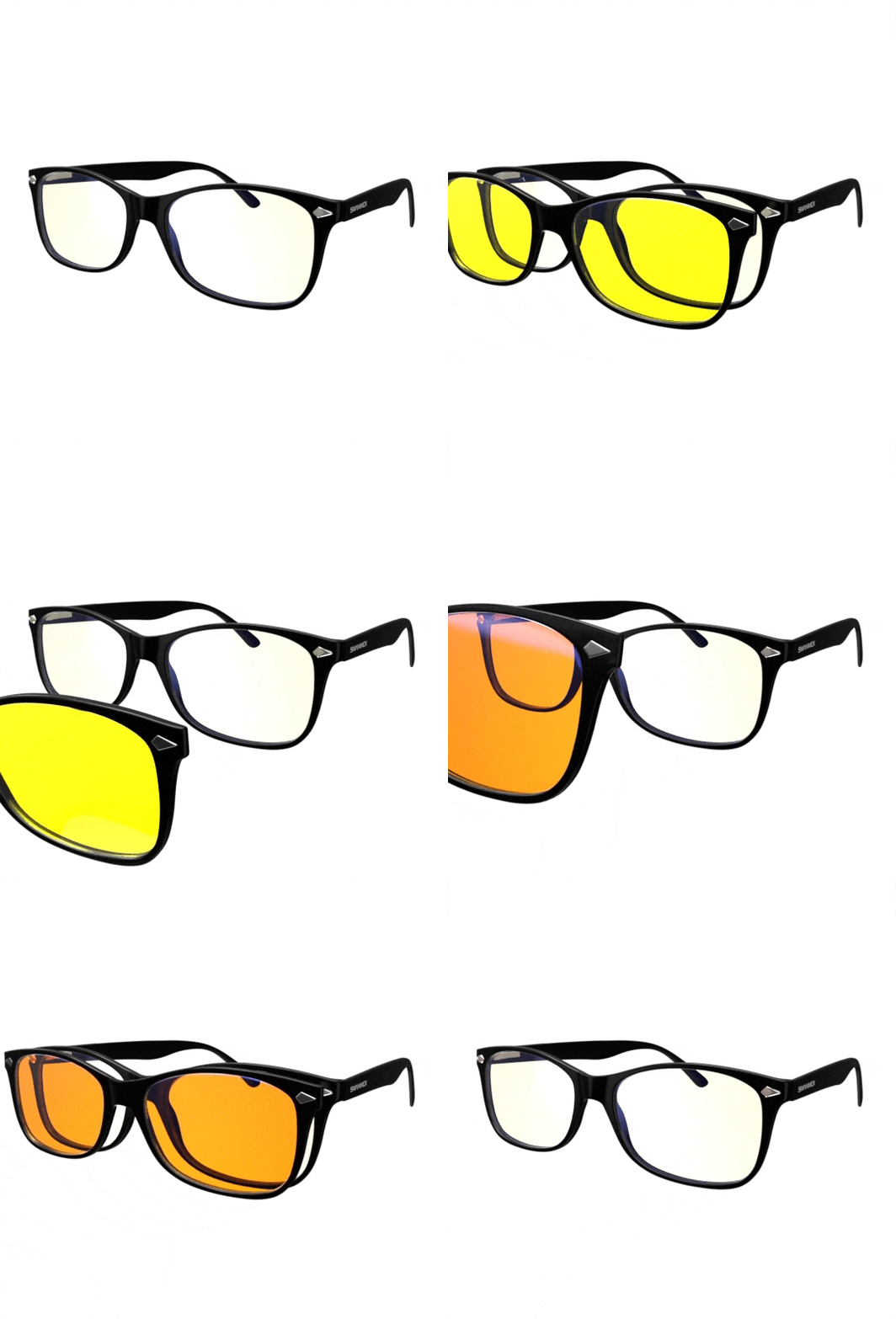
Explore Swanwick's range of daytime blue light blocking glasses, designed for all-day screen use with precision-calibrated lenses that work alongside your device settings, not instead of them.


